 RetroArch
Ozone, XMB, MaterialUI, RGUI
Ozone is the default graphical menu from RetroArch 1.7.6. Categories sit in a left column. A playlist item can show boxart plus a second thumbnail. XMB keeps the horizontal icon row. MaterialUI is common on phones. RGUI stays the compact fallback.
After Scan Directory, matching files join playlists. History and Favorites are built in. 1.22.x adds a common thumbnail background option and analog-stick thumbnail cycling.
Installation steps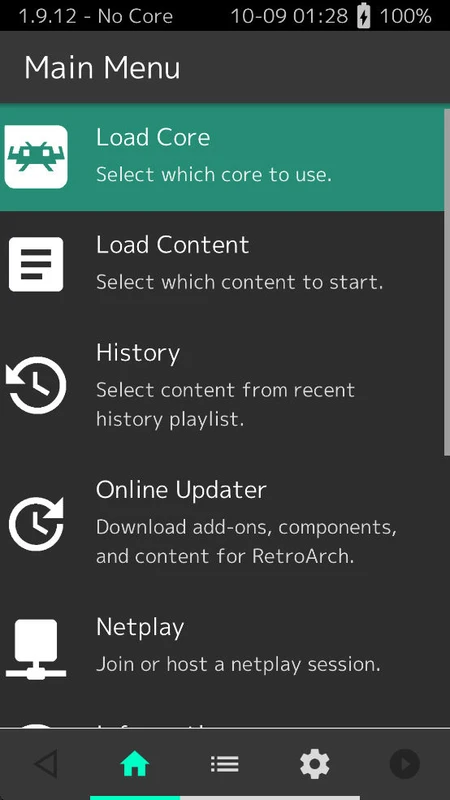
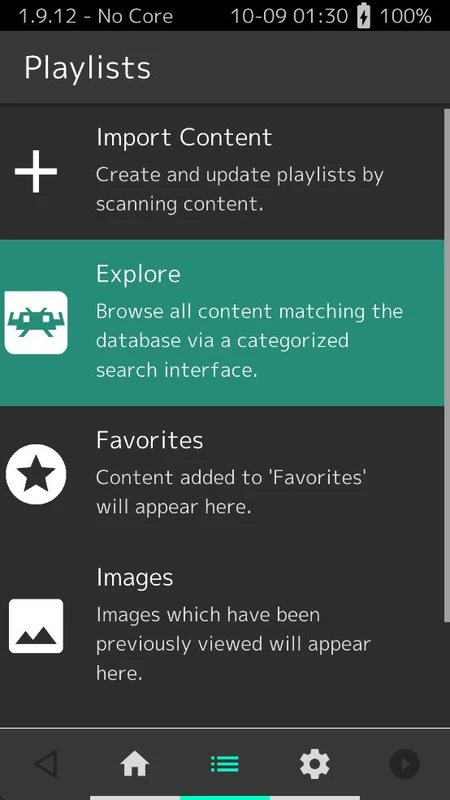
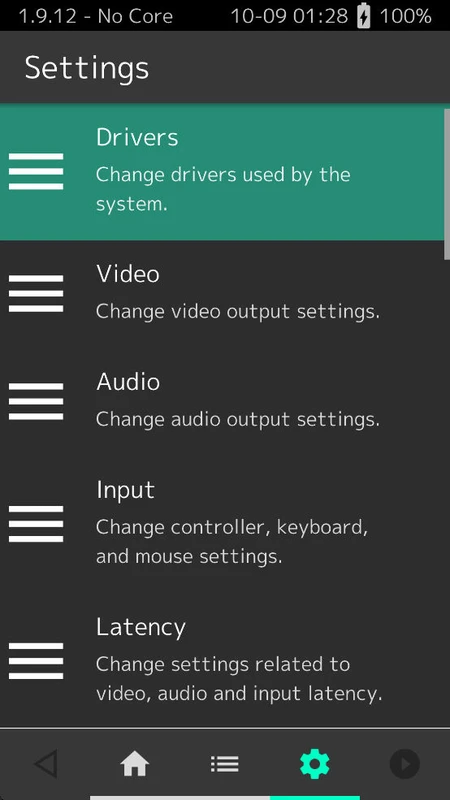
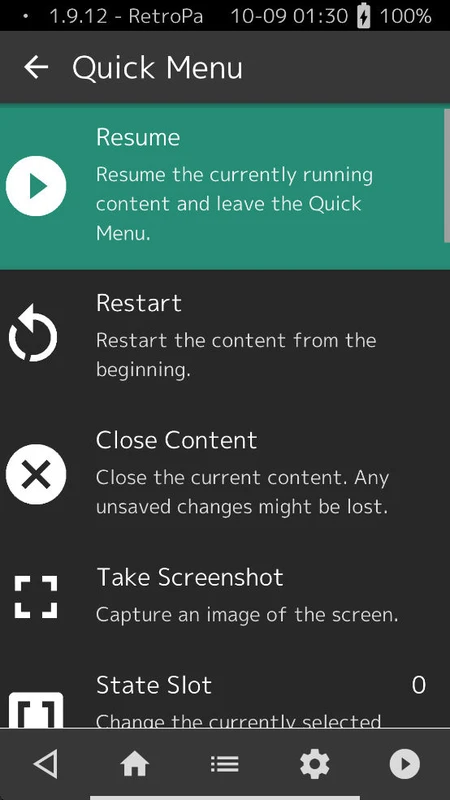
Download cores, then load content
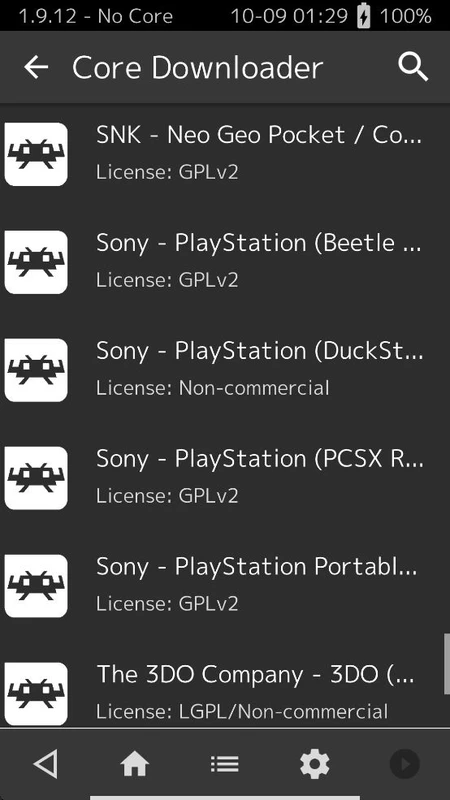
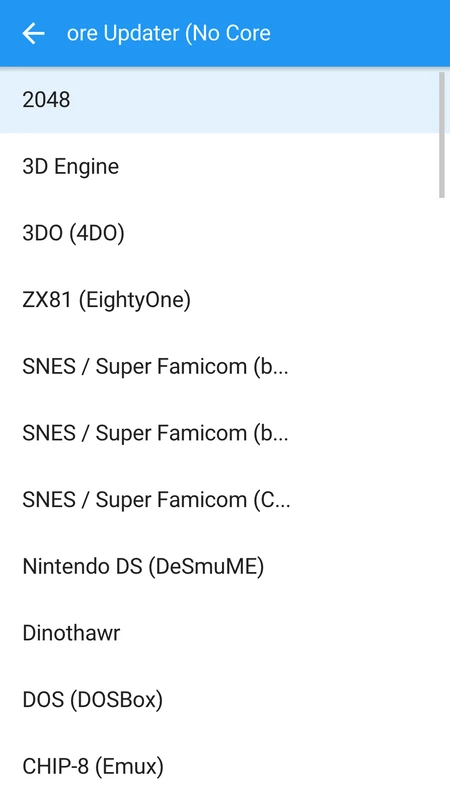
A core is a Libretro program. Content is the game, image or media file the core executes. Online Updater, Core Downloader is the in-app path. The public list names more than 200 cores.
- Console examples
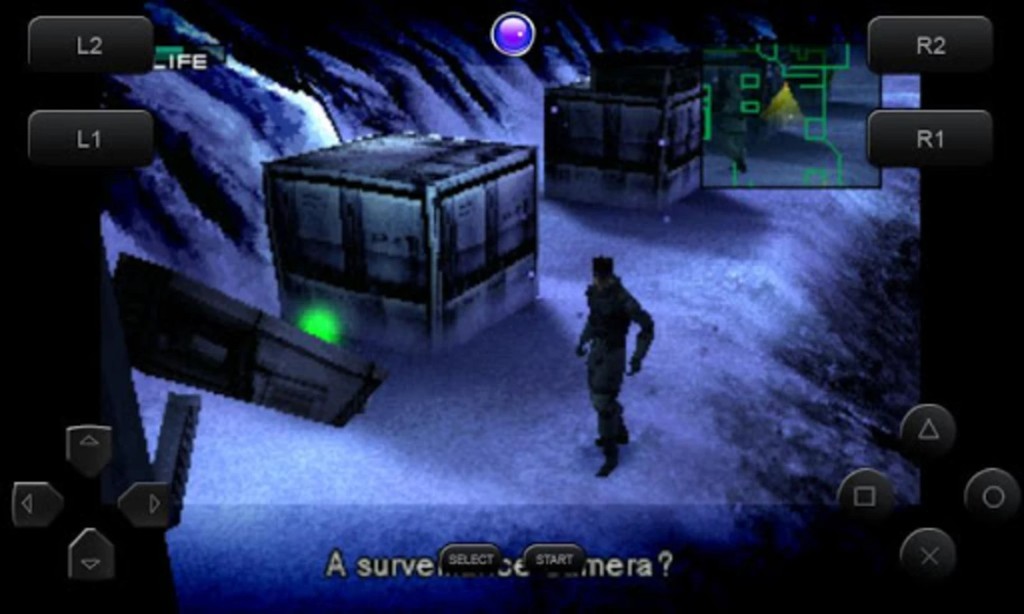
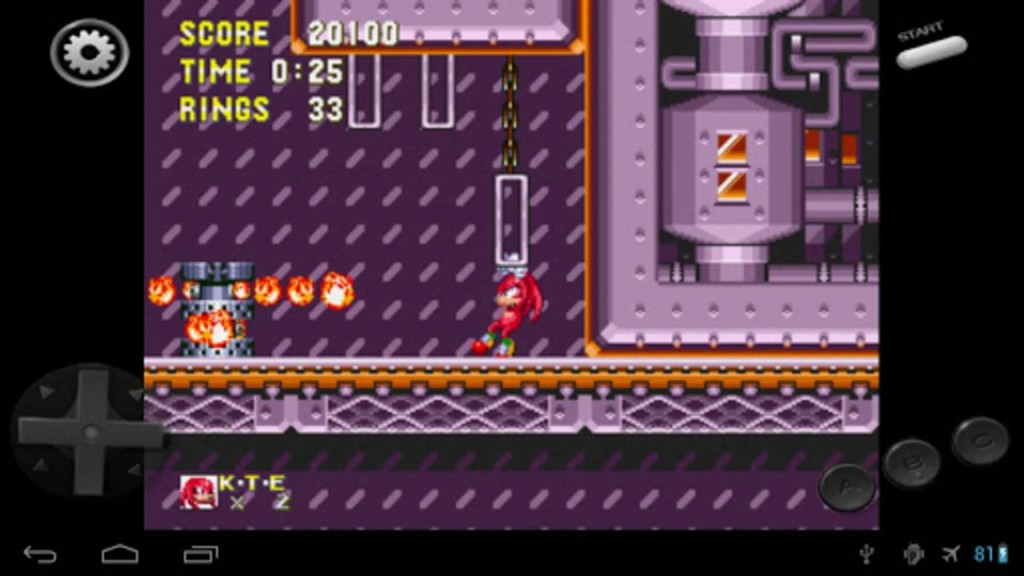
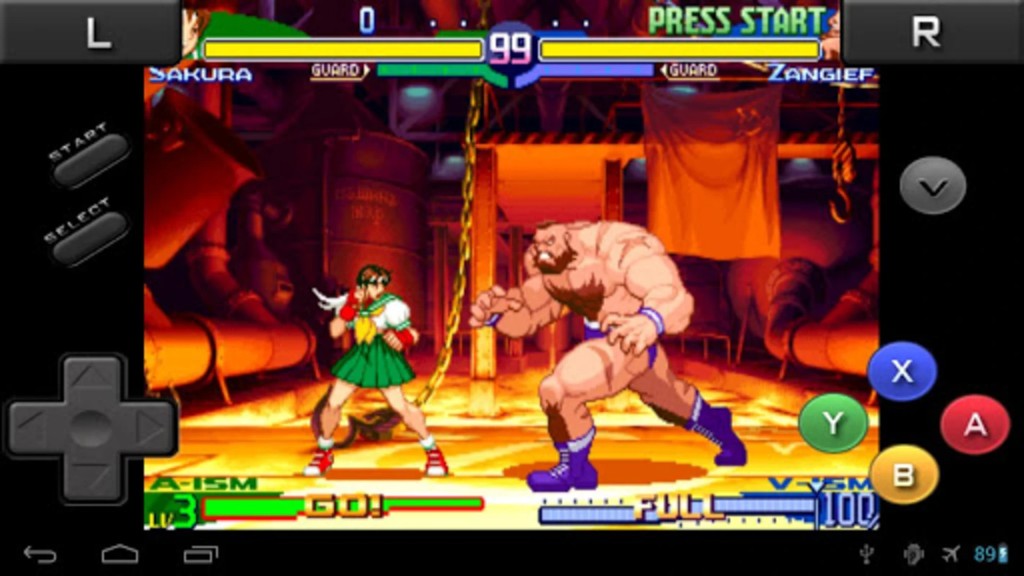
- PCSX ReARMed, Snes9x Next, FCEUmm, Nestopia, Gambatte, VBA Next, Genesis Plus GX, Flycast, Mednafen PCE Fast, Mednafen WonderSwan, LRPS2
- Engines
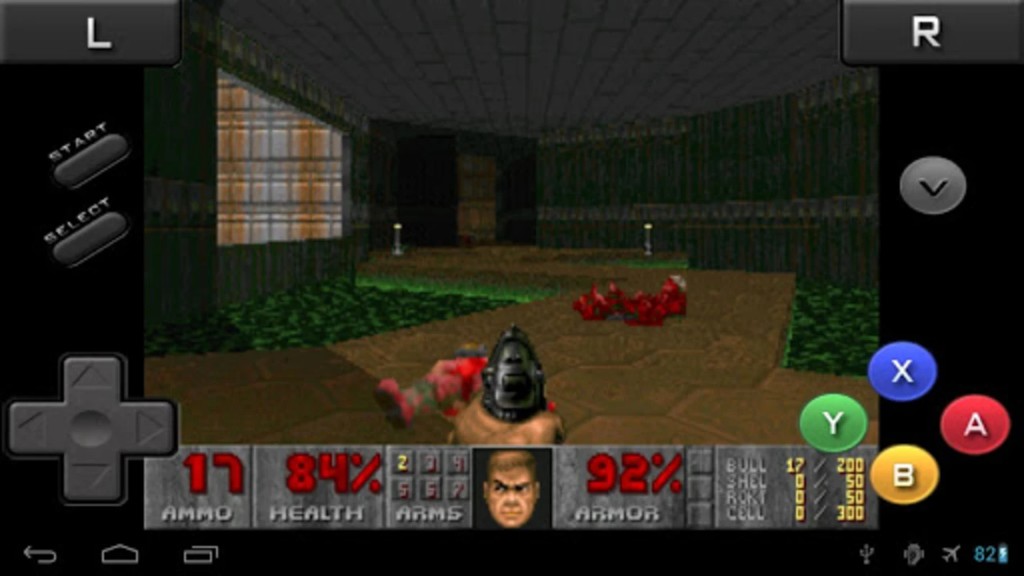
- OpenLara, PrBoom, TyrQuake, DOSBox Pure, PX68K
Video output
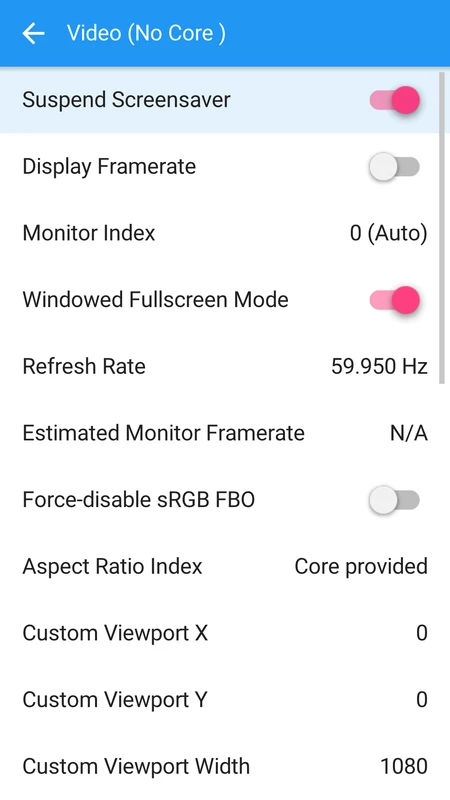
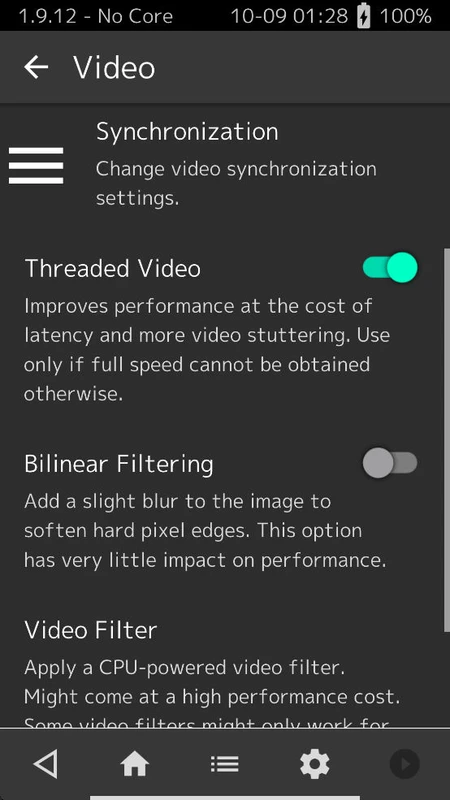
Shader languages are Slang, GLSL and deprecated Cg. Presets use .slangp, .glslp and .cgp. Menus run on OpenGL 1.1. Slang wants GL 3.2, Vulkan 1.0 or Direct3D 11.
| Video fact | Detail |
|---|---|
| Shader languages | Slang, GLSL, deprecated Cg |
| Preset files | .slangp, .glslp, .cgp |
| Minimum GL | OpenGL 1.1 menus; Slang wants GL 3.2, Vulkan 1.0 or Direct3D 11 |
| 1.21.0 video | Vulkan adaptive vsync, shader wildcard fix, exact refresh sync with shader subframes |
| Recording | FFmpeg file capture and live streams to Twitch or YouTube |
RetroPad is the abstraction
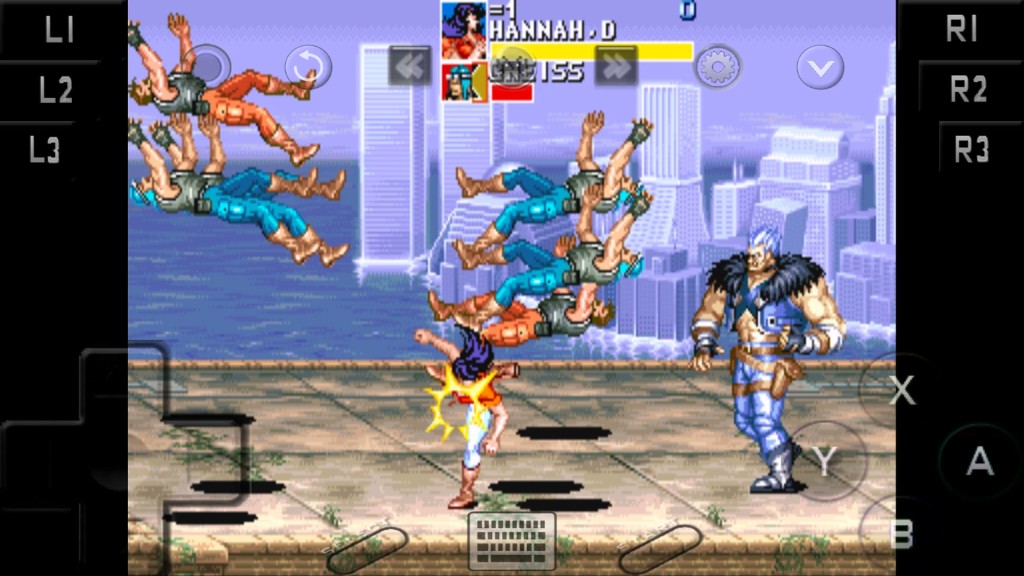
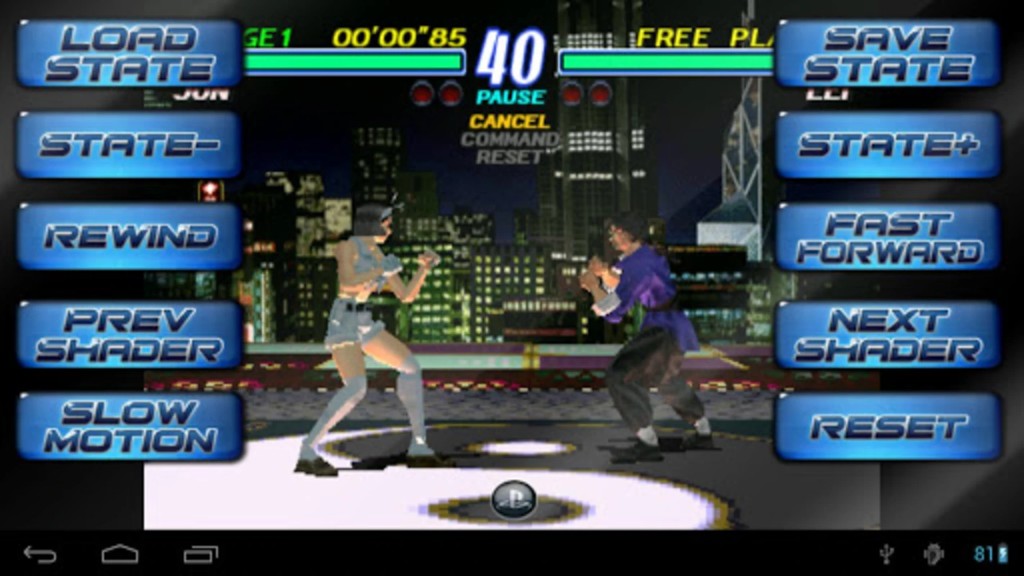
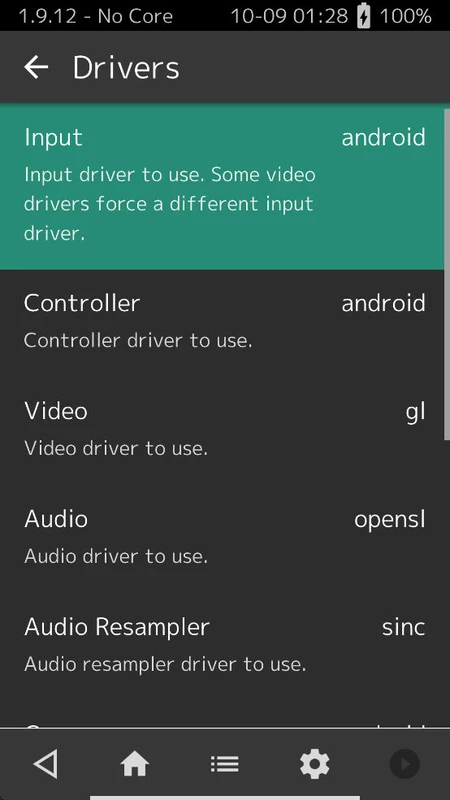
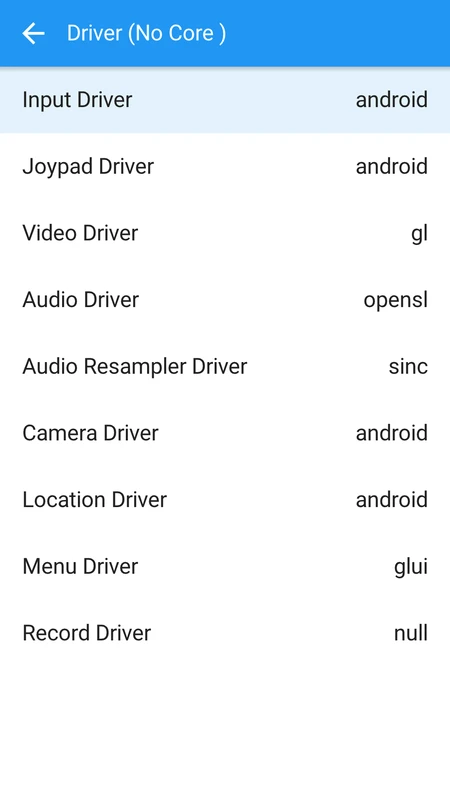
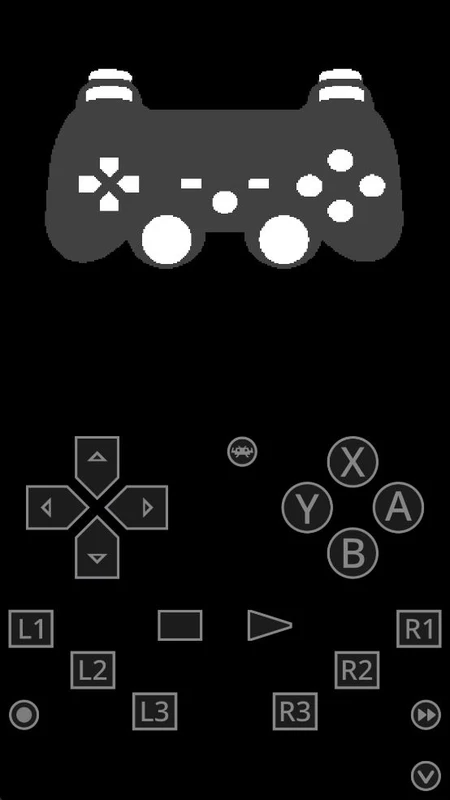
Physical pads map to RetroPad. Autoconfig profiles cover many devices. Turbo fire, analog-to-digital and remap files are first-class.
1.22.1 stores turbo settings in remaps, not overrides, and can require confirmation for reset or close-content hotkeys.
Run-Ahead, frame delay, Hard GPU Sync
Run-Ahead attacks in-game lag by computing extra frames. Frame Delay and Hard GPU Sync sit later in the display path.
Official copy says there should be no perceivable gap versus original hardware when the chain is right. We do not invent timings. Threaded Video and the Latency row in Settings sit on those same menus.
Netplay, cloud sync, updater
Netplay uses a lobby plus optional spectator mode. Hosts usually forward TCP 55435.
Cloud sync in 1.22.x includes WebDAV on Android and iCloud Drive on Apple platforms. Online Updater refreshes cores, assets, controller profiles and shaders.
Netplay troubleshooting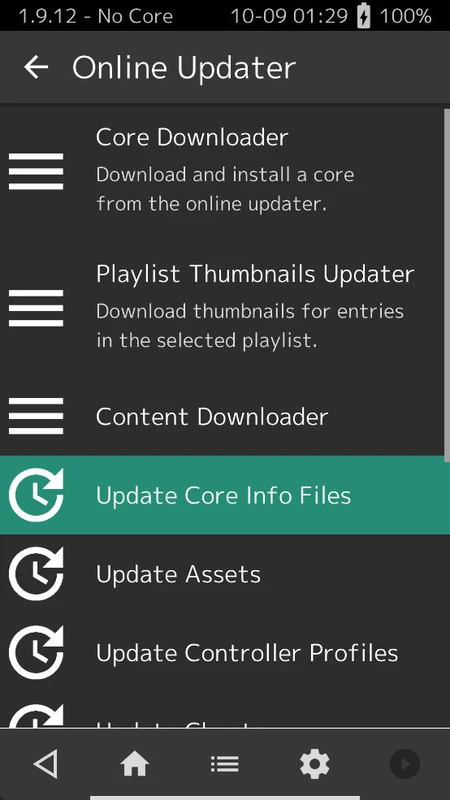
Cheevos client
Achievements require a RetroAchievements login. 1.21.0 includes achievement state in netplay states. 1.22.1 upgrades rcheevos to 12.1 and can hash RVZ files.
This page does not invent badge names or user counts.
Get RetroArch 1.22.2